
How to stop exposing secrets on your MCP configs



One of our OG findings at Token Security is “Secret used from Endpoint”. We first had it on AWS access keys being used from IP addresses associated with users. This helps identify endpoints where high privileged secrets can be accessed by an attacker if compromised.
Since Cursor, Claude and more AI tools became so convenient and efficient, we are now all using them and doing everything possible to make sure we don’t slow down the machine by giving access to 3rd party services using MCP servers, skills and commands.
According to our customers’ data, 20% of endpoints with Claude Code/Cursor installed have hard coded secrets written in MCP config files.
This made us rethink the classic finding. How should people handle secrets when operating with such strong agents that make life much easier. This is where the most asked question of security pops its head once again. How do we secure systems without lowering security standards?
Storing secrets in plain text is bad
Let’s not get it twisted. Storing plain text secrets on endpoints is a very bad practice. Endpoints are an extremely vulnerable layer when securing an enterprise, and many malicious campaigns target them as initial access to organizations.
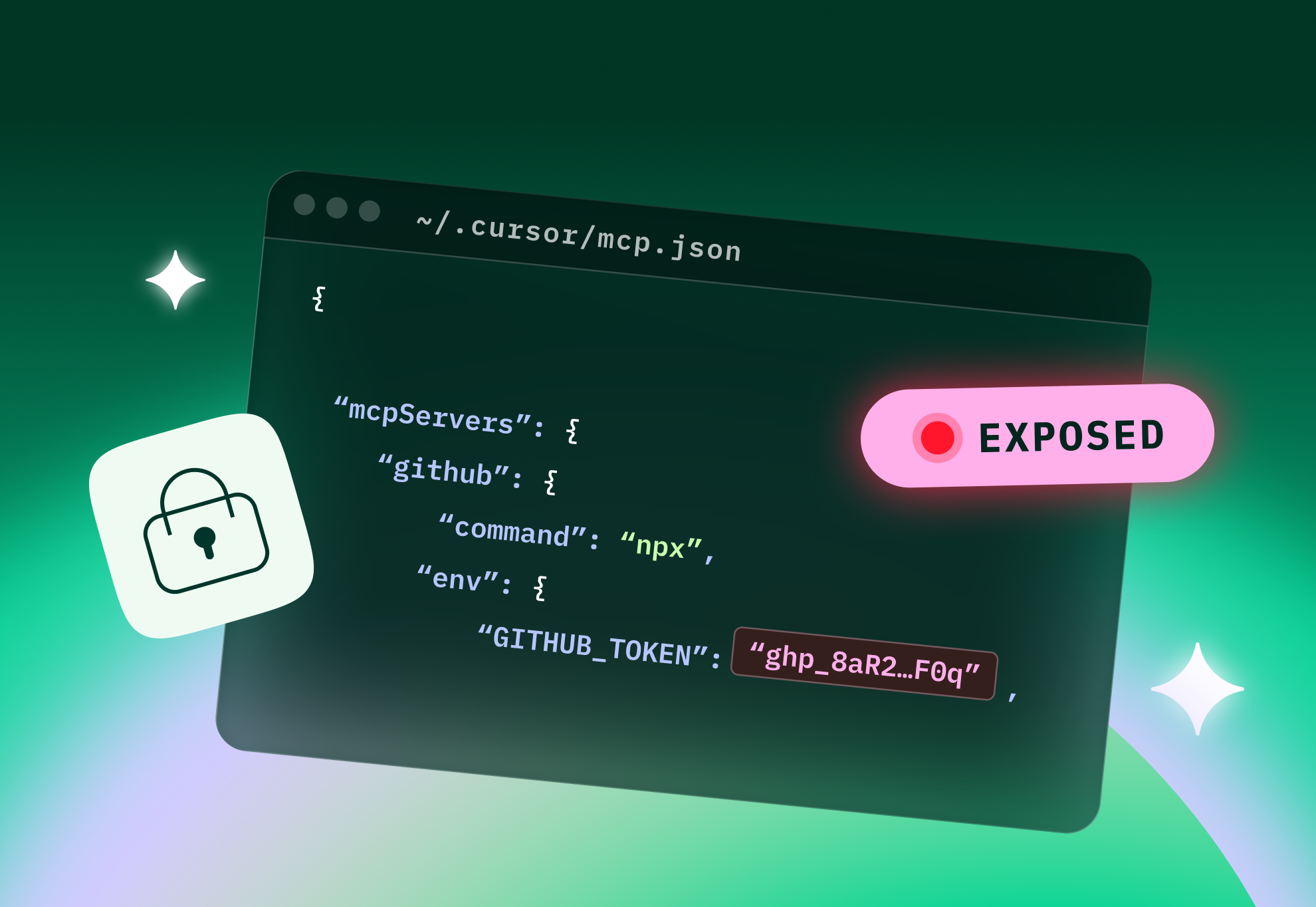
Storing plain text secrets in MCP config files as a method can be fatal for an organization, increasing the chance of lateral movement and access to sensitive environments. An attacker finding a single access token can cause significant damage, let alone finding a file holding multiple tokens to various environments. Such files can also accidentally be uploaded to Git repositories and expose secrets in another vector.
How to keep your agents safe and swift at the same time
First of all, many SaaS applications and services offer a secure integration with agents and use an SSO or a different interactive authentication method without storing secrets anywhere on the disk. Using these methods easily eliminates a lot of risk.
In case a chosen integration doesn’t allow one of those authentications, most users usually tend to go for the immediate solution with these types of MCP configs:
{
  "mcpServers": {
    "github": {
      "command": "npx",
      "args": ["-y", "@modelcontextprotocol/server-github"],
      "env": {
        "GITHUB_PERSONAL_ACCESS_TOKEN": "ghp_danztoken…"
      }
    }
  }
}
The recommended approach (as described by 1Password, based on the method first used by @codekiln) is to replace hard coded secrets with environment variables using 1Password secret path references. With the help of their CLI you can easily inject secrets to your sessions without storing them on your disk, allowing the same efficiency and freedom without the risk of secret exposure.
Quick Guide
Follow these quick steps to replace your hard coded secrets with vaulted secret references and set up a safer way to operate your AI agents. This assumes you already have the 1Password desktop app installed and you’re working with Claude Code.
1. Install the 1Password CLI
brew install 1password-cli2. Enable CLI integration
- Open 1Password desktop app
- Go to Settings → Developer
- Enable “Integrate with 1Password CLI”

3. Storing secrets in a vault and retrieving them
Store your secrets under a specific field name (recommended: “token”).

After storing, you can find your token using the 1Password CLI command:
op read "op://<vault>/<item>/<field>"
# in this case:
op read "op://Personal/Github Access Token/token"
4. Create a .env.claude-mcp file with all relevant Secret References
# .env - safe to commit, contains no secrets
GITHUB_TOKEN="op://Personal/GitHub Access Token/token"
OPENAI_API_KEY="op://Personal/OpenAI Compliance API Key/token"
5. Create a launch alias for claude
You want to load the secrets references while running the Claude session:
echo 'alias claude-secure='"'"'op run --no-masking --env-file ~/.env.claude-mcp -- claude'"'"'' >> ~/.zshrc && source ~/.zshrcWhat this alias does when running claude-secure:
- Opens the env file containing the secret references
- Loads each secret’s value using the 1Password CLI (this will pop an authorize window from the 1Password app)
- Stores all secrets at runtime as env variables in the process’ memory, which are not written anywhere on disk
6. Run claude-secure
Once you do this, you will be prompted with this window:

Once you authorize, the flow will continue and you will start Claude with your secrets safer than before.
MCP Servers and Plugins
Now, every plugin you have that is using a secret can be replaced with an env variable you loaded in your .env.claude-mcp file. So, a safe MCP config will look like this:
{
  "mcpServers": {
    "github": {
      "command": "npx",
      "args": ["-y", "@modelcontextprotocol/server-github"],
      "env": {
        "GITHUB_PERSONAL_ACCESS_TOKEN": "${GITHUB_TOKEN}"
      }
    }
  }
}
In Summary
Using MCP servers and agent plugins is inevitable. When you do it, you must make sure you secure your secrets and keep your security standards high.
Besides our “Secret used from endpoint” findings, we added multiple findings targeting MCP and agentic tools configs scanning for secrets, like you can see in the example below:
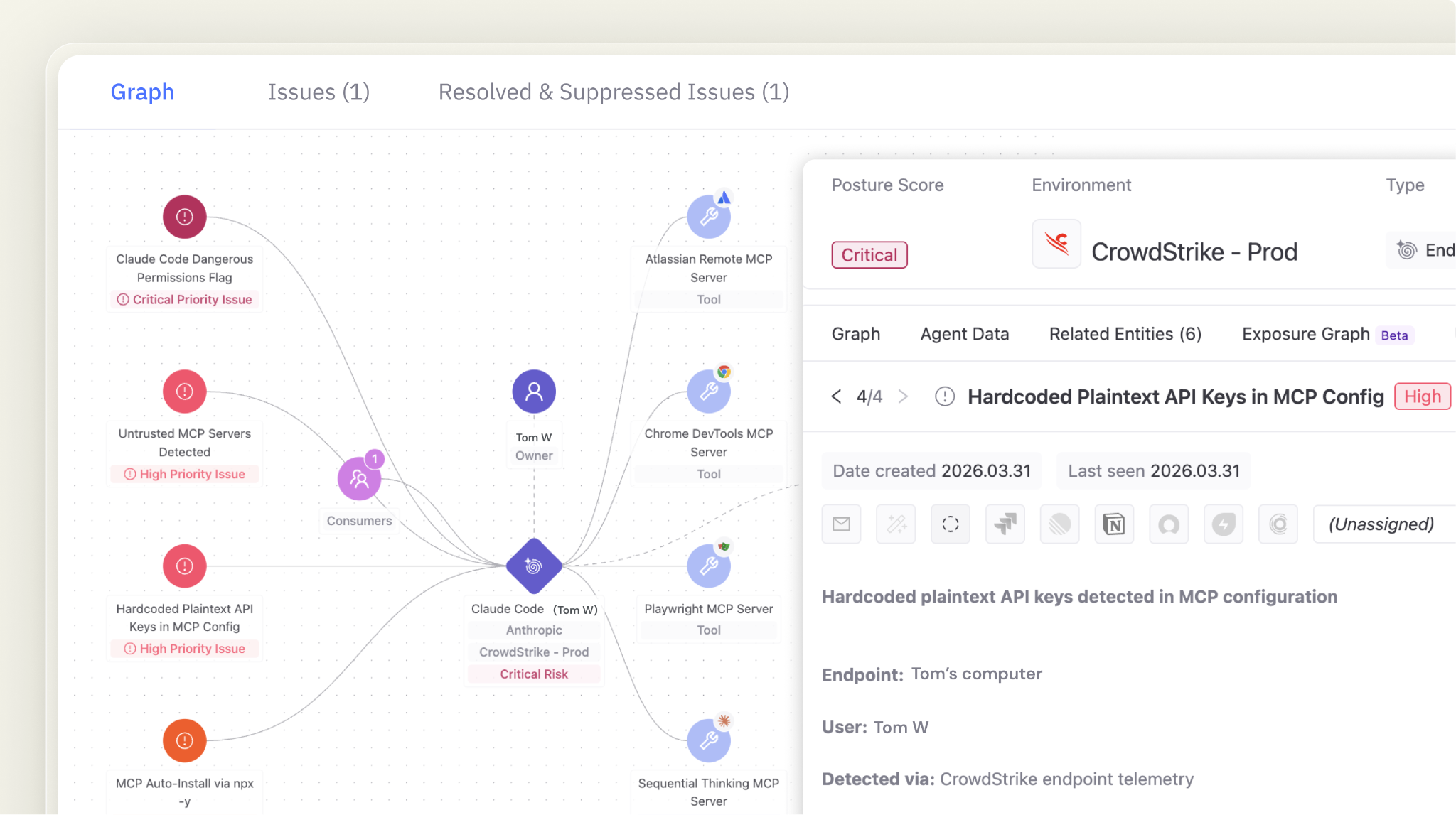
Token Security makes sure all your AI agents operate safely and helps you continuously monitor all secrets and access to your sensitive environments, from your SaaS applications and services to your endpoints.
Keep your secrets safe! Request a demo of the Token Security platform today and we will show you how.
Secure Every AI Agent.
From Creation to Runtime.